
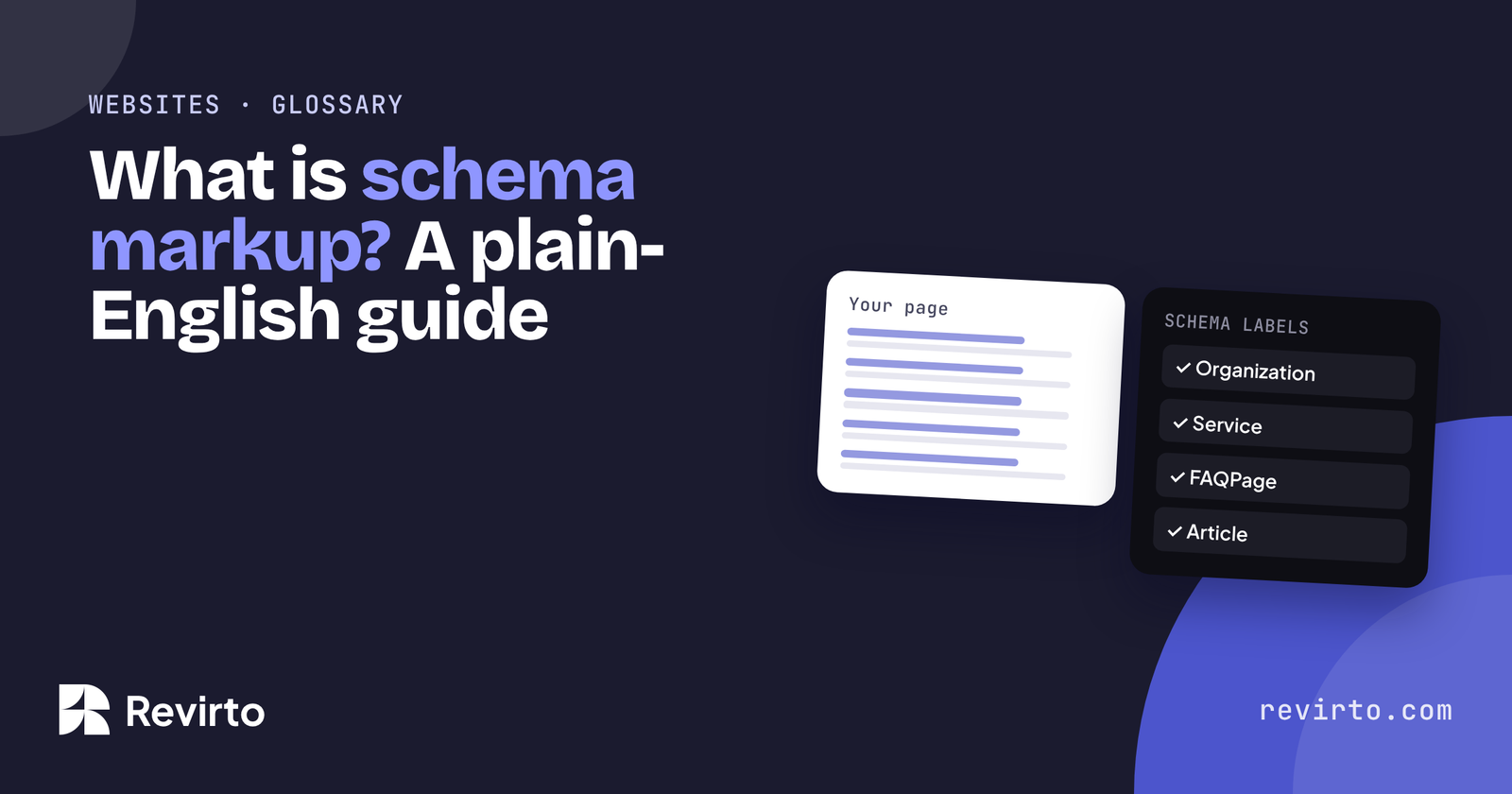
Schema markup is a small block of code added to a web page that labels what’s on it: this is a business, this is its address, this is a service, this is its price. People never see it. Google uses it for rich results, and it helps AI tools read your facts without guessing. Most service businesses need four types: Organization or LocalBusiness, Service, FAQPage and Article.
What is schema markup?
Schema markup is structured data: facts about a page written in a fixed vocabulary that machines understand. The vocabulary lives at schema.org, a shared standard created by Google, Microsoft, Yahoo and Yandex in 2011.
Think of it as a label on a box. A person can open the box and see what’s inside. A machine reads the label. Without the label, it has to open the box and guess.
What does it look like?
Most sites add schema as JSON-LD, a short block of code in the page’s HTML. Google recommends this format. Here’s a cut-down version of the real block that sits on our homepage:
{
  "@context": "https://schema.org",
  "@type": "Organization",
  "name": "Revirto",
  "legalName": "Revirto Growth Tech",
  "url": "https://revirto.com/",
  "description": "Revirto builds websites and runs AI SEO and Meta ads for businesses.",
  "contactPoint": { "@type": "ContactPoint", "email": "rana@revirto.com", "contactType": "sales" }
}
On WordPress you rarely write this by hand. SEO plugins like Rank Math add most of it from the fields you fill in.
Does it help with AI answers?
It helps, but it isn’t a shortcut. Schema makes your facts easy to read: your name, services, prices, opening hours and FAQs, in a clean format. That makes it less likely an AI tool gets them wrong.
What schema can’t do is make a tool trust you. Trust still comes from your content, your reviews and what other sites say about you. Treat schema like llms.txt: cheap to add, worth doing, but one part of a bigger job. If you want the full list, here’s how to make your WordPress site AI-ready.
Which types does a service business need?
Schema.org has hundreds of types. A service business needs very few of them:
| Type | Where it goes | What it tells machines |
|---|---|---|
| Organization or LocalBusiness | Homepage | Your name, logo, contact details, address and area served |
| Service | Each service page | What the service is, who provides it, where, and the price range |
| FAQPage | Any page with FAQs | The questions and answers on the page |
| Article | Blog posts | Headline, author, date published and updated |
| BreadcrumbList | Every page | Where the page sits in your site |
Pick the most specific LocalBusiness type that fits you: Dentist, LegalService, AccountingService, HomeAndConstructionBusiness and so on.
One note on FAQs: since 2023, Google only shows FAQ rich results for a small set of government and health sites. FAQ schema is still worth adding, because it gives machines a clean question-and-answer list, but don’t expect the drop-down in search results.
Every one of the websites we build ships with schema set up for its page types, along with llms.txt, Search Console and speed work.
Common questions
Does schema markup improve Google rankings?
Not directly. It makes you eligible for rich results, like star ratings or breadcrumbs, which can get more clicks. It also helps Google understand the page.
How do I check my schema?
Paste your page into Google’s Rich Results Test or the Schema Markup Validator. Both are free and show any errors.
Can schema be wrong?
Yes. It must match what’s on the page. Marking up reviews or prices that aren’t visible to people breaks Google’s guidelines.
Do I need a developer to add it?
Usually not on WordPress. An SEO plugin like Rank Math handles the common types. Custom types may need a developer.