

(and what it costs)
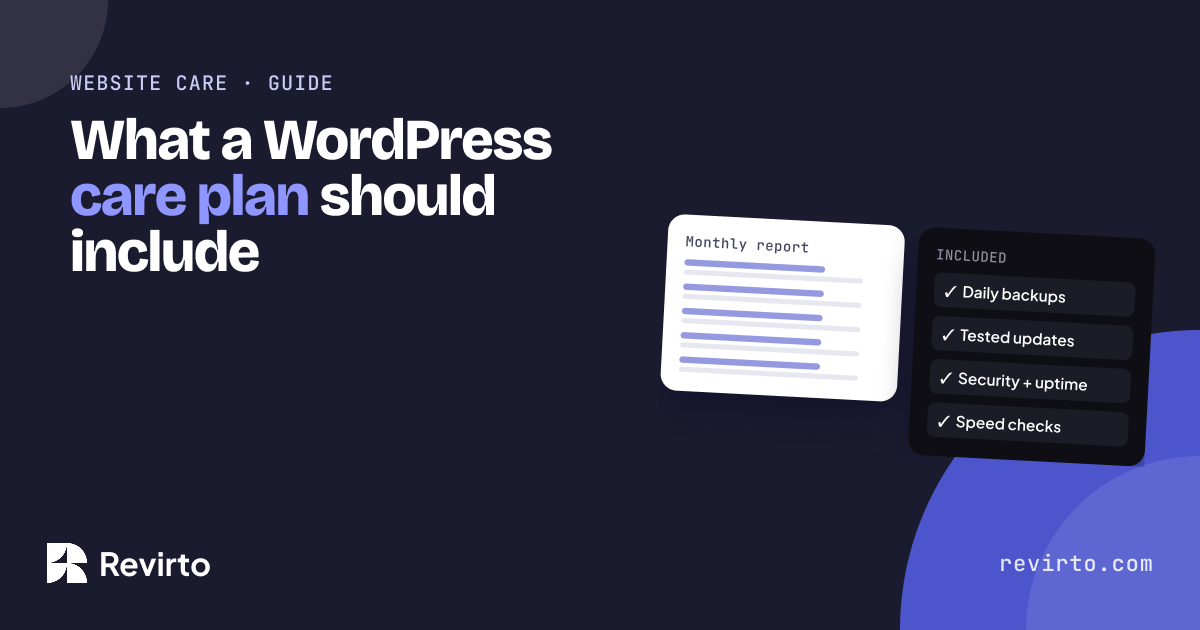
A WordPress care plan keeps your website updated, secure, backed up and fast every month, so it doesn’t quietly break. A good plan should include tested updates, security monitoring, regular backups you can restore from, and a monthly performance check. For a small business site, care plans typically start around $50 to $150 a month, depending on how much hands-on help is included.
Why this matters
WordPress runs a huge share of the web, and it’s a great platform for service businesses. But it isn’t “set and forget”. WordPress itself, your theme and every plugin get regular updates, many of them for security.
When updates are skipped, problems pile up quietly: a contact form stops sending, the site slows down, or a known security hole stays open. Most owners only find out when a customer tells them, or when the site goes down.
A care plan is a monthly routine that stops that from happening.
What a good care plan includes
| What | What it should mean in practice |
|---|---|
| Updates | WordPress, theme and plugins updated regularly, and tested so nothing breaks |
| Security | Monitoring for problems, and a plan if something goes wrong |
| Backups | Regular backups stored off the server, and a test restore now and then |
| Performance check | A monthly look at speed, so slow pages are caught early |
| Uptime | Someone notices quickly if the site goes down |
| Report | A short monthly note on what was done |
Our own Website Care plan, from $97/month, covers updates, security, backups and monthly performance checks.
What it costs
Prices vary because plans include very different amounts of hands-on help. As a rough guide for a small business site:
- Under $50/month: usually automated updates and backups, with little human checking
- $50 to $150/month: updates tested by a person, backups, security, speed checks and a report
$150+/month: all of that plus regular content edits, design changes or support hours
The right plan depends on how often you change your site and how much it matters to your business. If enquiries come through your website, a broken form for two weeks costs more than a year of care.
If you’re getting a new site built, our websites include the first month of care free on multi-page and e-commerce builds. For our full prices, see pricing.
The five steps to choosing a plan
1Check who owns your logins
Before anything else, make sure the domain, hosting and WordPress admin are in your name, not your developer’s.
2Ask how updates are tested
Good plans update on a copy of the site first, or check the site straight after. “We click update” isn’t enough.
3Ask where backups are stored and how often
Backups should be stored away from your hosting, kept for at least a few weeks, and actually restorable.
4Ask what happens if the site is hacked or goes down
Is the clean-up included, or charged extra? How fast do they respond?
5Ask what you’ll see each month
A short report tells you the work is being done. No report usually means no routine.
custom code on a 50-page client site built on a light theme, so it stays fast as pages are added.
Common mistakes
| Mistake | What happens |
|---|---|
| Relying on hosting backups only | If the hosting account has a problem, the backups go with it |
| Auto-updating everything blindly | One plugin update can break a form or a page without anyone noticing |
| Paying for a plan with no report | You can’t tell what’s being done, or whether anything is |
| Keeping plugins you don’t use | Every unused plugin is extra weight and extra risk |
A real example: one client, two websites
One client’s main site ran on a heavy theme that loaded animations on every page, even where they weren’t needed. Keeping it fast was a constant fight, because the weight came from the theme itself. We’ve written up how we built Tecnoprism’s estimator separately.
When the same client needed a second, 50-page site, we built it on a very light theme with about 35% custom code, and used shortcodes for repeated blocks like FAQs and tables. Their team still edits it like any WordPress site. A monthly performance check is what keeps a site like that fast as new pages and plugins are added.
A website doesn’t break in one go. It breaks slowly, one missed update at a time.
Your first 30 days
- Confirm the domain, hosting and WordPress admin are in your name
- Delete plugins you don’t use
- Check when your last backup was made, and where it’s stored
- Run your homepage through pagespeed.web.dev and note the mobile score
Common questions
Do I need a care plan if my site is new?
Yes. Updates start the week your site goes live. A new site is the easiest one to keep healthy.
Can’t I just turn on automatic updates?
You can, but nobody checks whether something broke afterwards. Care plans add the testing and the fix.
What does Revirto’s Website Care cost?
From $97/month, covering updates, security, backups and monthly performance checks. The first month is free with a new multi-page or e-commerce website.
Can you take over a site someone else built?
Usually, yes. The first step is getting the logins and a full backup into your name.