
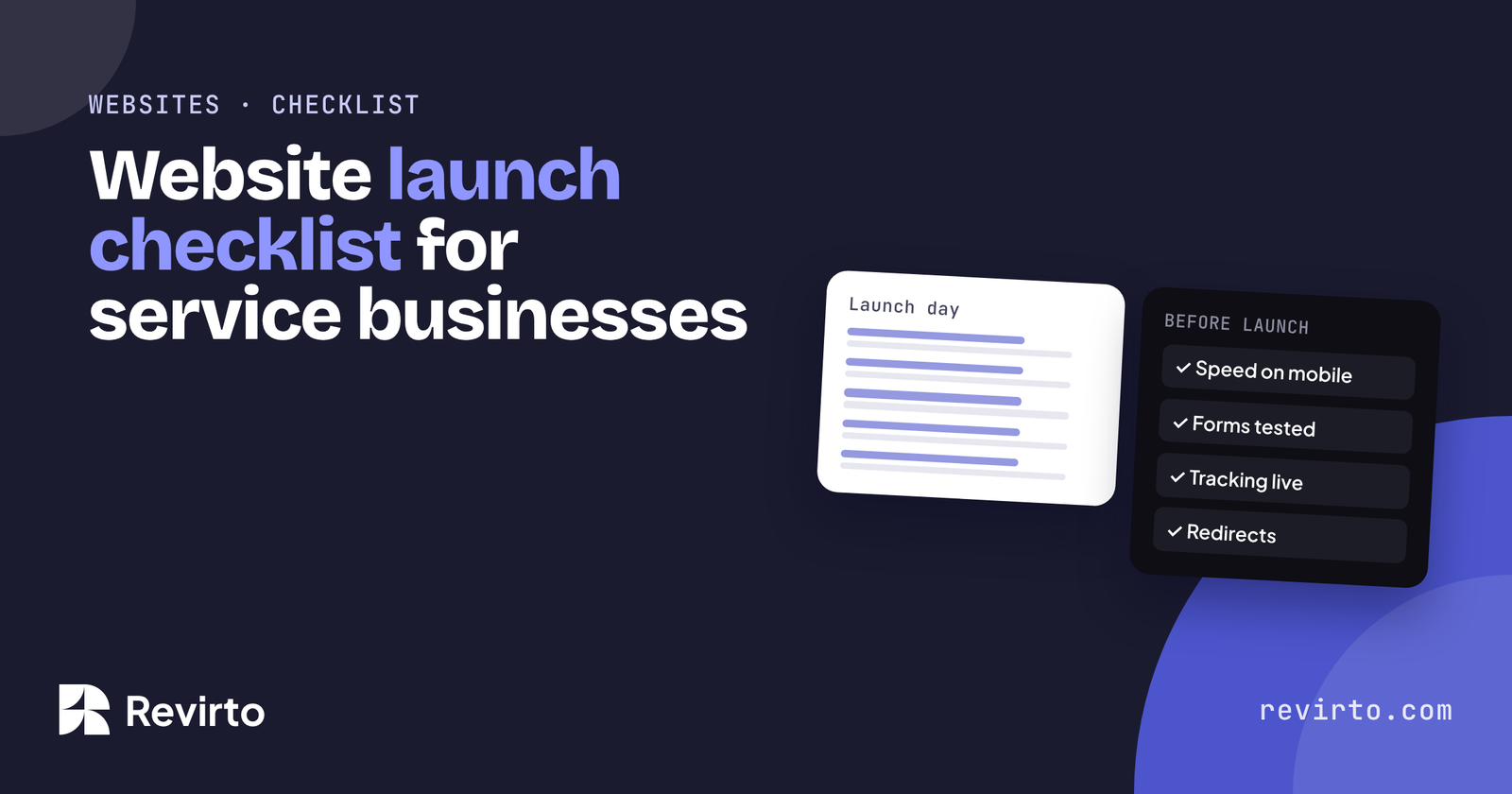
Before a service business website goes live, check five areas: speed on a phone, every form and where its leads go, tracking (Analytics and Search Console), Google and AI basics like titles, schema and redirects, and legal pages. Then, in the first 30 days, watch for form failures, indexing errors and broken links. Most lost leads come from forms nobody tested.
What to check before you launch
Print this list or copy it into a sheet. Tick each item on the live site, not on staging, on the day you launch. It’s the same order we work through on our website builds.
Speed and mobile
- Run the homepage and one service page through pagespeed.web.devon mobile. Main content (LCP) under 2.5 seconds.
- Open every page on a real phoneCheck menus, buttons and forms work with a thumb.
- Images are compressedand sized for the screen (WebP where possible).
- Unused plugins are switched offNo plugin or page builder add-on you aren’t using is still active.
Forms, tracking and leads
- Submit every form on the live siteCheck the email arrives, and where it lands (inbox, not spam).
- Leads go to the right personemail, WhatsApp, CRM or all three.
- The thank-you message or pagesays what happens next and when.
- Spam protection is onand doesn’t block real people.
- Phone numbers and WhatsApp linkswork when tapped on a phone.
- Google Analytics records a visitand a form submission as an event.
- If you run adsthe Meta Pixel and conversion tracking fire on the thank-you step.
Google and AI basics
Being found by Google and being AI-ready start with the same checks:
- The “discourage search engines” boxin WordPress Settings, Reading, is unticked.
- Each page has its own titleand meta description.
- One H1 per pagewith question-style H2s on service pages.
- Schema is set upOrganization or LocalBusiness on the homepage, Service on service pages, FAQPage where there are FAQs.
- The sitemap is submittedin Google Search Console.
- Redirects are in placefrom every old page URL to its new page.
- robots.txt doesn’t blockGoogle or AI crawlers by mistake.
- Google Business Profile links to the new sitewith matching name, address and phone.
Legal and trust pages
- Privacy policycovering forms, analytics and cookies.
- Terms of serviceif you take bookings or payments online.
- Cookie bannerwhere the law requires one (UK, EU and some other places).
- Business name, address and registration or licence detailswhere your trade requires them.
- Real photos, named people and reviewsPlaceholder text and stock “team” photos removed.
What to check in the first 30 days
| When | Check | Why |
|---|---|---|
| Day 1 | Submit every form again | Caching and security plugins can break forms after launch |
| Day 3 | Search Console: coverage and errors | Catches pages Google can’t index |
| Week 1 | Broken links and 404s | Old URLs people and Google still use |
| Week 2 | Enquiries vs the same period last year | Spots a silent drop early |
| Day 30 | Speed check on mobile again | New plugins and images slow sites down |
On our builds, the first 30 days of fixes are included, and we reply within 24 hours, before and after launch. After that, a care plan keeps the routine going: Website Care starts from $97 a month. If you’re still planning the build, here’s what a WordPress website costs in 2026.
Common questions
Should I launch on a Friday?
Avoid it if you can. Launch early in the week, so problems are caught while people are around to fix them.
How do I know Google has found my new site?
Submit your sitemap in Search Console and check the Pages report after a few days. You can also request indexing for key pages.
Will a new website drop my Google rankings?
It can, if old URLs aren’t redirected. Map every old page to its new one before launch, and rankings usually hold.
Who should test the forms?
Someone who didn’t build them, on their own phone, using a real email address.