
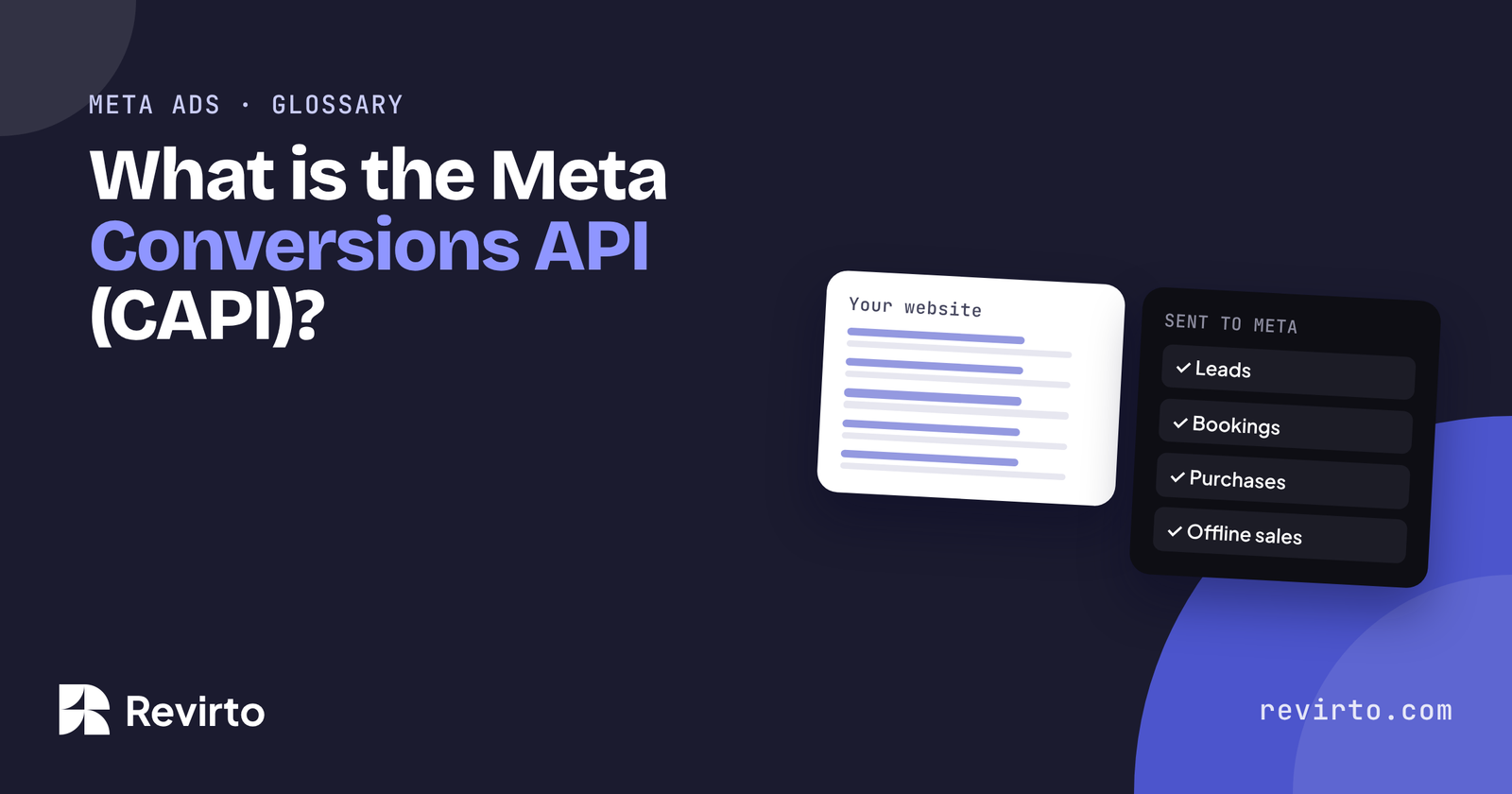
The Meta Conversions API (CAPI) is a way to send events like leads, bookings and purchases to Meta directly from your website’s server or CRM, instead of only from the visitor’s browser through the Meta Pixel. It fills the gaps left by ad blockers, cookie rules and Apple’s tracking changes, so Meta can see which ads actually bring results and find more people like those customers.
What is CAPI?
Meta’s ads system learns from feedback. Every time someone fills in your form or buys, it notes which ad they saw, and shows your ads to more people like them. The feedback is called an “event”.
For years, events were sent by the Meta Pixel: a piece of code in the visitor’s browser. The Conversions API sends the same events from your server instead: your website, your booking system or your CRM talks to Meta directly.
Meta recommends using both together. The pixel catches what it can in the browser; CAPI catches what the browser misses. A shared event ID stops the same lead being counted twice.
Why did it become needed?
Because the pixel started missing a lot. Three changes did it:
- Apple’s App Tracking Transparency (April 2021): iPhone users were asked whether apps could track them, and most said no.
- Ad blockers and browser privacy settings that block tracking scripts.
- Cookie consent rules in the UK, EU and elsewhere, where visitors can turn tracking off.
With less feedback, Meta’s system learns slower and spends your budget less well. CAPI puts much of that feedback back.
Pixel vs CAPI: what’s the difference?
| Meta Pixel | Conversions API | |
|---|---|---|
| Where it runs | The visitor’s browser | Your server, website backend or CRM |
| Blocked by ad blockers | Often | No |
| Can send offline events | No | Yes: a lead that became a booking a week later |
| Set-up | Paste a code snippet | A plugin, a partner integration or a developer |
| Best used | Together with CAPI | Together with the pixel |
The offline part matters most for service businesses. A lead form tells Meta “someone enquired”. CAPI can also tell Meta “that enquiry booked”, which is the result you actually want more of.
Does a small business need it?
If you spend money on Meta ads and want leads or sales, yes. You don’t need a developer for the basics:
- WordPress: Meta’s official plugin and many form plugins can send events through CAPI.
- Shopify and WooCommerce: both have built-in or partner integrations.
- Lead forms on Facebook or Instagram: connect your CRM so bookings can be sent back.
When we ran ads for a Dubai wedding studio that booked 42 weddings in 12 months, telling Meta which enquiries actually became bookings was a big part of what made it work.
If you’d rather not set it up yourself, proper tracking is included in all our Meta ads plans.
Common questions
Is CAPI free?
Yes. Meta doesn’t charge for it. You may pay for a plugin, a partner tool or a developer’s time to set it up.
Does CAPI get around privacy rules?
No. You still need consent where the law requires it, and you should only send data you’re allowed to share. CAPI changes how events are sent, not the rules.
How do I know it’s working?
In Meta Events Manager, check that events show both “Browser” and “Server” as sources, and look at the Event Match Quality score.
Do I still need the pixel?
Yes. Meta recommends running both, with deduplication, for the most complete picture.