
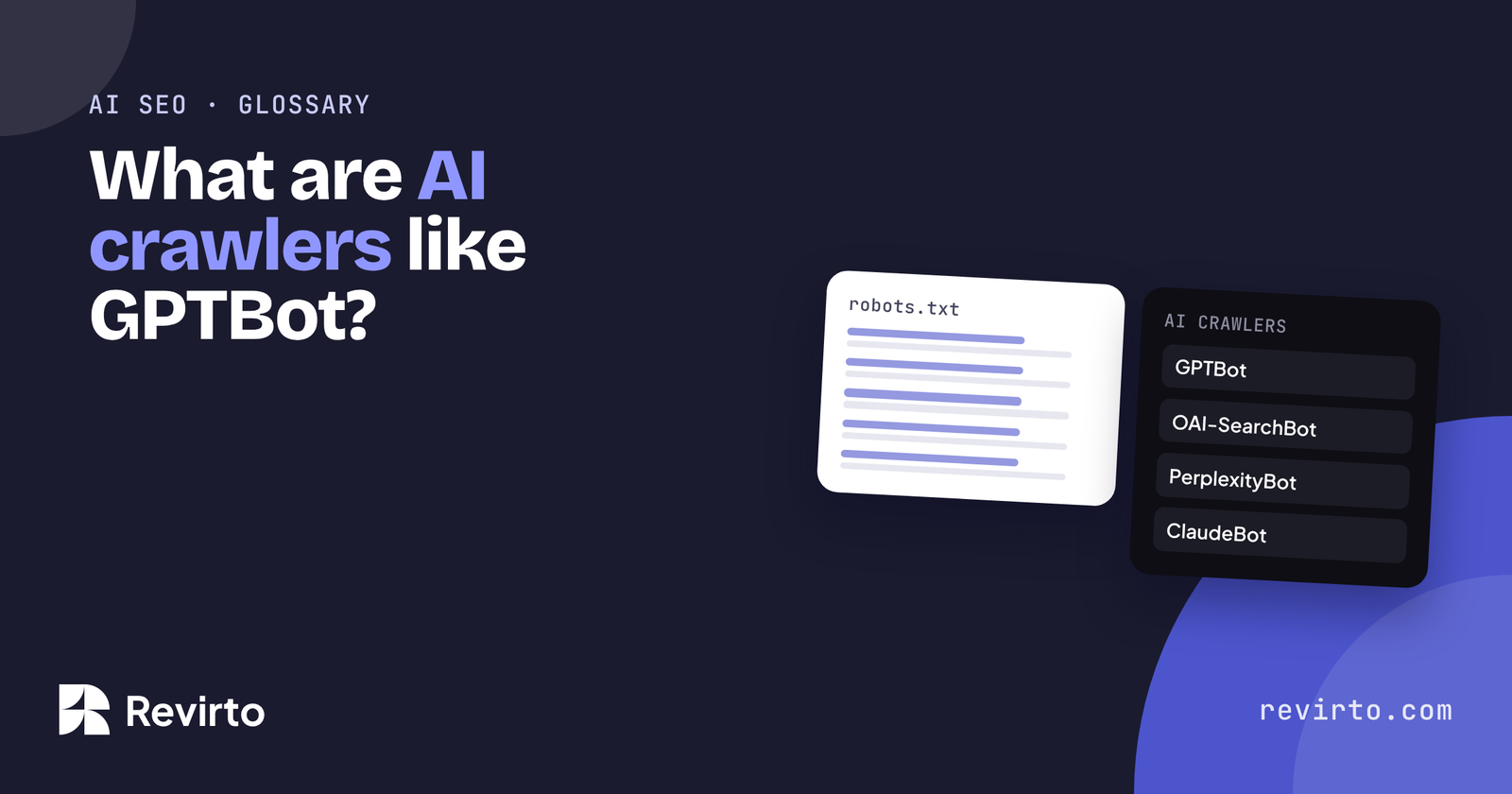
AI crawlers are bots that AI companies use to read web pages. Some, like OpenAI’s GPTBot, collect content to train models. Others, like OAI-SearchBot and PerplexityBot, fetch pages so the tool can answer questions and cite sources. You control them in your robots.txt file. Most service businesses should allow the search and answer bots, because a blocked site can’t be read, quoted or recommended.
Key takeaways
- What they are The bots AI companies send to read web pages. You control them in the robots.txt file at yourdomain.com/robots.txt.
- Three jobs Training (GPTBot, ClaudeBot), search and citing (OAI-SearchBot, PerplexityBot), and fetching a page because a user asked right now (ChatGPT-User, Perplexity-User).
- The one people get wrong Blocking Google-Extended does not remove you from AI Overviews. Those come from normal Googlebot crawling.
- The other one Blocking GPTBot does not remove you from ChatGPT search, as long as OAI-SearchBot is allowed.
- Where blocks hide A security plugin, firewall or CDN can turn bots away before robots.txt is read, so check those settings and not just the file.
- Service businesses that want to be read, quoted and recommended
- Owners who can open and edit robots.txt
- Sites behind a firewall or CDN
- Publishers who sell their content
- Members-only areas, which should stay blocked to every bot
What is an AI crawler?
A crawler is a program that visits web pages and reads them. Google has used one (Googlebot) for decades. AI companies now run their own, and they do three different jobs:
| Job | What it does | Why it matters to you |
|---|---|---|
| Training | Collects pages to train future AI models | Shapes what the model “knows” about your business over time |
| Search and citing | Builds an index the AI searches when answering | Decides whether you can be found and linked in answers |
| User fetching | Opens a page because a user asked about it right now | Lets the tool read your page live, mid-conversation |
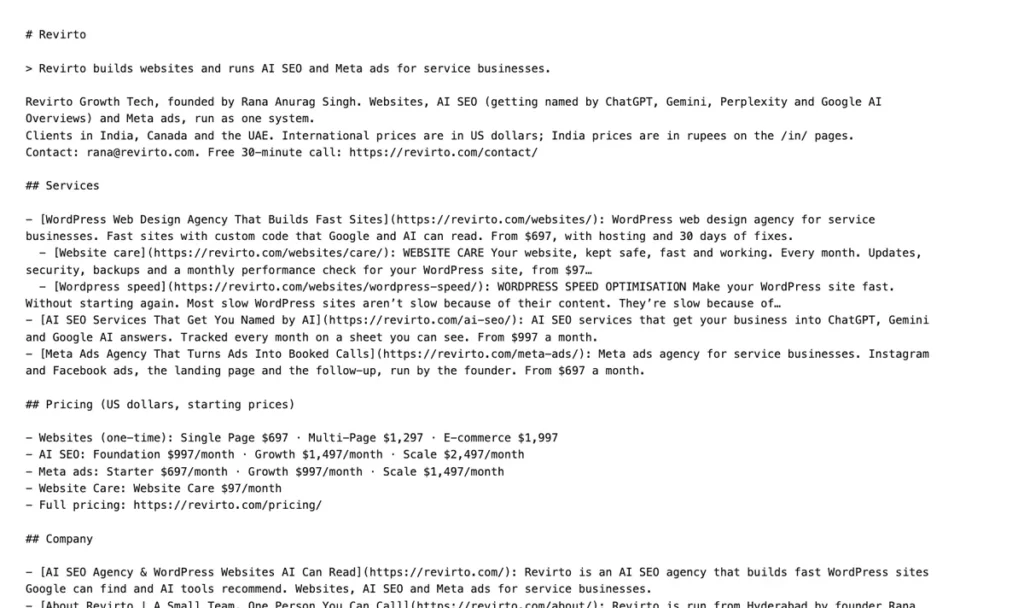
Crawlers follow the rules in your robots.txt file, a short text file at yourdomain.com/robots.txt that says which bots may visit which pages. Don’t confuse it with llms.txt, which is a reading list, not a set of rules.
Which ones matter for a business site?
| Crawler | Company | Job |
|---|---|---|
| GPTBot | OpenAI | Training |
| OAI-SearchBot | OpenAI | Search: decides if you can appear in ChatGPT search answers |
| ChatGPT-User | OpenAI | Fetches a page when a user asks |
| PerplexityBot | Perplexity | Search and citing (not used for training) |
| Perplexity-User | Perplexity | Fetches a page when a user asks |
| ClaudeBot | Anthropic | Training (Anthropic also runs separate search and user bots) |
| Google-Extended | Not a separate bot: a robots.txt setting for whether Gemini can use your content for training and grounding | |
| Googlebot | Normal Search, which also feeds AI Overviews |
Two things to know. Blocking Google-Extended does not remove you from AI Overviews; those come from normal Googlebot crawling. And blocking GPTBot doesn’t stop you appearing in ChatGPT search, as long as OAI-SearchBot is allowed.
How do you know if you’re blocking them?
Open yourdomain.com/robots.txt in your browser. A safe file for most businesses looks like ours:
User-agent: *
Disallow: /wp-admin/
Allow: /wp-admin/admin-ajax.php

Sitemap: https://revirto.com/sitemap_index.xml
That file lets every crawler in, except the WordPress admin area. Watch for these signs of a block:
- “Disallow: /” under a bot’s name, such as “User-agent: GPTBot”. That bot can’t read anything.
- “Disallow: /” under “User-agent: *” with no exceptions. That blocks almost everyone, Google included.
- A security plugin, firewall or CDN (like Cloudflare’s AI bot settings) blocking bots before robots.txt is even read. Check the plugin or host settings, not just the file.

If you want the full list of checks beyond crawlers, here’s how to make your WordPress site AI-ready.
Should you ever block them?
Sometimes. A news site or publisher that sells its content may block training bots. A business with a members-only area should block that area from every bot.
For most service businesses, the trade-off is simple: if AI tools can’t read your site, they can’t recommend you. A sensible middle ground if you’re unsure is to allow the search and user bots (OAI-SearchBot, ChatGPT-User, PerplexityBot, Googlebot) and decide on training bots separately.
Allowing crawlers is the first, smallest step of AI SEO. The rest is giving them something worth quoting.
What else do people ask about AI crawlers?
Does blocking GPTBot remove my business from ChatGPT?
Not from ChatGPT search, if OAI-SearchBot is allowed. It stops OpenAI using your pages to train future models.
Do AI crawlers slow my site down?
Rarely, for a small business site. If a bot is hitting your server hard, your host can rate-limit it rather than block it outright.
Do all AI bots respect robots.txt?
The major companies say their training and search bots do. Bots that open a page because a user asked, like ChatGPT-User and Perplexity-User, may not, and some unknown bots ignore it entirely. That’s why firewalls exist.
How do I see which AI bots visit my site?
Your hosting logs show user agents. Some security plugins and CDNs also have a bot report.